ELD Basics for Fleets
Electronic logging devices replace paper hours-of-service logs for many commercial drivers. This guide explains the basics in plain terms.
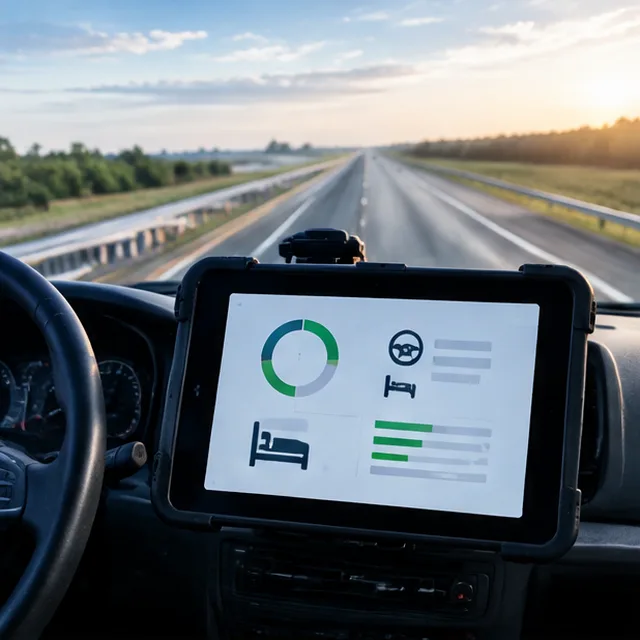
What an ELD does
An electronic logging device connects to the engine and records when the vehicle is driven. It helps drivers see how many hours they have left and makes records easy to hand over at a roadside inspection. It removes much of the paperwork that paper logs required.
Drivers still choose duty status for non-driving time, and edits follow the rules.
Who needs one
The federal rule applies to many drivers who keep records of duty status, with some exceptions for shorter-haul operations, older engines and certain vehicles. Rules and exceptions are detailed, and they change.
Confirm your situation with your compliance advisor or the regulator before you buy.
Choosing and rolling out
Check that the device you choose appears on the federal registered list. Plan installation, driver accounts and a short training session. Keep the roadside inspection instructions in each cab.
Review hours records weekly, so problems are found before an inspection.
Mistakes to avoid
- Buying a device without checking the registered list
- Skipping driver training
- Not reviewing logs until an inspection
- Assuming exceptions apply without checking
ELD Basics for Fleets: questions
Is every ELD acceptable?
Only devices on the federal registered list are acceptable. Check before buying.
Can GPS tracking and ELD share a device?
Often yes. Many hardwired devices support both. We review your options.

Put this guide to work
Tell us about your fleet. We reply with a clear next step and a written quote.